

Set up the healow app
Stay connected with Opioid Management Group through the healow patient app. Start with the steps below to link our practice.
Our practice code
GJDHAD
Use this code for Opioid Management Group.
Get started in five steps
-
Ask to be web enabled
Give the front desk your email address and ask to be “web enabled.”
-
Download the healow app
Download healow from your phone’s app store. Choose your app store below.
-
Enter your details in the app
Use your first name, last name, and date of birth.
-
Enter our practice code
Enter GJDHAD to link your records to Opioid Management Group.
-
Finish verification
Follow the app’s verification prompts and create a PIN when asked.
Download the app
Use the download button on your phone, or scan the matching QR code with your phone’s camera.
For iPhone
Download healow from the App Store.
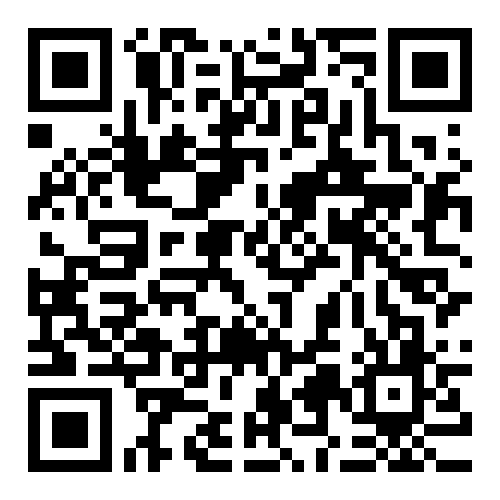 Download on the App Store
For Android
Download healow from Google Play.
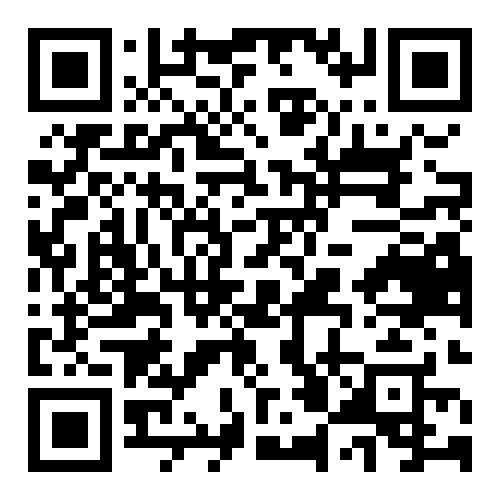 Get it on Google Play
What you can do in the app
- View medical history
- Cancel appointments
- Contact your care team
- Request refills